
How it works
One loop, both sides of it.
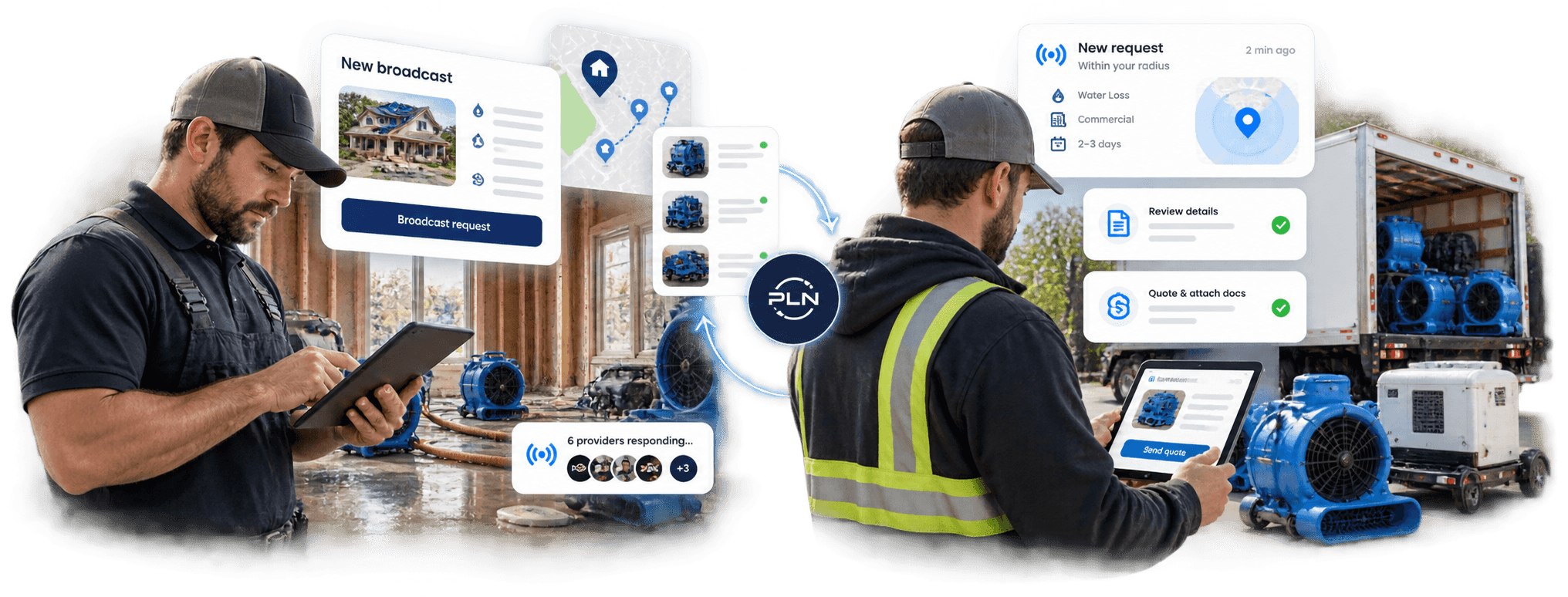
One request reaches every verified provider in range. No group texts, no spreadsheet of vendor numbers, no hour on the phone.
I hold the loss
Resource, quantity, duration, mobilization window, and the trust floor. Two minutes on a phone in a wet basement.
Every quote shows price, mobilization time, how much of the need it covers, and the provider’s badge.
One click closes the request and opens a job log. Nothing is committed until you award.
Providers who came through get added to your Bench, so next time they see the request first.
I have the equipment
Loss types, radius, minimum job value. You only get pinged for work you’d actually take.
Price, mobilization, coverage, conditions. Your badge and documents ride along automatically.
One compliance file, reviewed for completeness by PLN, reused on every quote. Expiry is tracked for you.
Listed to Verified with documents; Verified to Preferred with delivery. Nothing is bought.
A real broadcast
What twelve minutes looks like.
Timings from a Cat 3 water loss in Brookline, Massachusetts. (Illustrative example.)
Timeline
- 00:00
Contractor posts RQ-4471
24 LGR dehumidifiers, 60 air movers, immediate
- 00:11
Broadcast reaches 26 Verified providers within 150 mi
- 04:12
First quote — $18,400, 4-hour mobilization
- 09:40
Second quote — $21,150
- 11:55
Contractor awards; job log opens
Why the badge matters
What a contractor sees before asking for the certificate itself.
Verified means PLN staff confirmed the required certificates were uploaded, legible, issued in the company’s legal name and unexpired on the review date, and PLN tracks them to expiry. PLN does not confirm coverage with the carrier and makes no representation about coverage. Confirm coverage with the carrier before relying on it.